
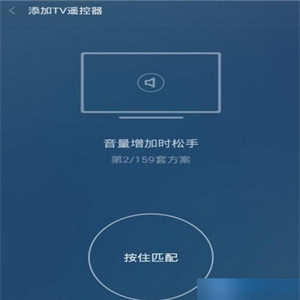

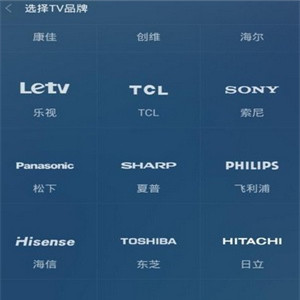
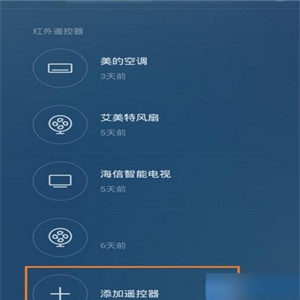
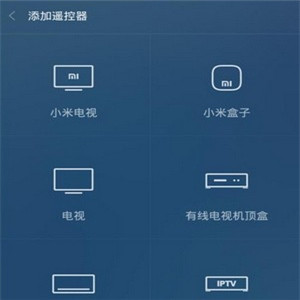


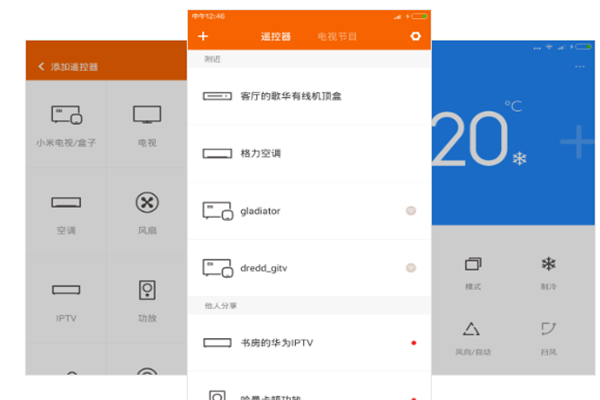
Multifunctional remote app is a smart phone software to control home electricity. Remotely piloted apps are used to manipulate home electricity, such as television, air conditioning, refrigerators, etc. Multifunctional remote control aims to create an intelligent, easy-to-live platform for more users
Functional introduction
Home electricity control: as long as your phone has infrared capability and can use wifi remote control, you can manipulate smart house electricity
1. Mobile phone control can be achieved by television, roof boxes, air conditioners, fans, dvds, projectors, satellite televisions, one-back
2. Refrigeration, wind speed, wind direction, etc., which can be adjusted for air conditioning。
Television programmes: all smartphones can use mobile phones to control television viewing。
If you want to change the channel, but if you don't see it, your cell phone will help you
2. Including a detailed presentation of the tv show and an appointment alert for the show
Two ways to connect
Method i. Router approach
1. Connect the computer to the router and open the computer-end software mobctrl. Exe (the password can be set to empty)。
2. Installation of mobctrl. Apk on the mobile phone to open the phone and select the same wifi as the computer
3. Open the mobctrl software on the mobile phone, pull it directly down on the front page and refresh the scanning computer. Just click on the available computer
Note: for security reasons, you can set the password, but you need to enter it when you log in。
Method two. Notebookwifi hotspots
If the user is using a laptop, you can create a wifi hotspot on the notebook and then connect the phone to the wifi hotspot created on the notebook. The next steps and methodology are the same。
Method iii. Cell phones create wifi hot spots
If your laptop card does not support the creation of a wifi hotspot, you can use your mobile phone to create a wifi hotspot. The next steps and approaches are identical。
Methodology iv. Large local area networks
Some companies, or schools, have local area networks. Although mobile phones and computers are not in the same section of the network, users can still "put in direct ip addresses" to connect。