



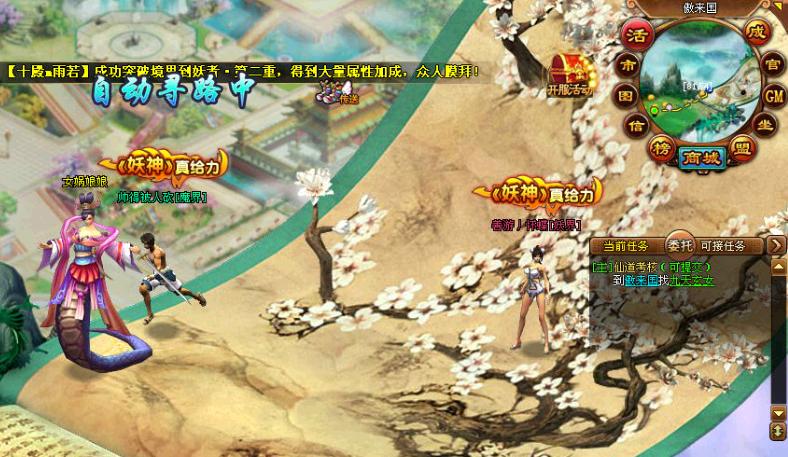
The goblin is a role-playing web game developed by shanghai network technology ltd. And issued by hangzhou sunnet technology ltd. The game is characterized by the operation of demons and beasts that devour the treasure。
Game background
Five hundred years ago, the world was marked by demons, who crossed the border and fought against each other, and a massive war of demons finally broke out in the world. History called the "war of the sky."。
The human race is weak and can only choose the three powerful powers of the fairies, demons and demons in order to protect itself. The human race that is born with the stars and the destiny of the stars, in the power of the three worlds of the fairies, demons, demons, and demons, has inspired the potential of the four great holy beasts, the white tigers, the birds, and the blue dragons, to rise to the speed of the gods in this battle
In the end, the result of the campaign was the strange disappearance of the demons, who, by taking advantage of other weak interfaces, became the three true forces。
For the next 500 years, it was surprising that the rulers of the three worlds, all of them before, were the people of the four holy orcs
However, the mystery of demons is still unsolved. What is the mystery of the four holy animals? How will the balance be broken? Everything is waiting for the people to explore and finally embark on the path of the demons。
Basic operations
The characters walk
In the video game, the character you control is near the screen position. When you move a position under the default settings, you simply move the mouse to the place you want to reach, click the left button。
Collecting objects
When there is a falling object on the ground, go to the object, the mouse becomes a hand pick-up form, which can be picked by clicking on the left mouse button. Pressing space buttons automatically picks up objects。
Use of props
Click the "backpack" icon in the shortcut bar below the screen or press "b" to open the "backpack" interface. Moves the mouse to an object in the prop bar, and you can double-click or click in the open menubar to choose to wear the unloaded device。
Drop the props
If you select an item in the backpack, hold the left button and drag it to the back of the prop, release the left key system and indicate whether to "select" or "select" it, then the object disappears。
Basic attacks
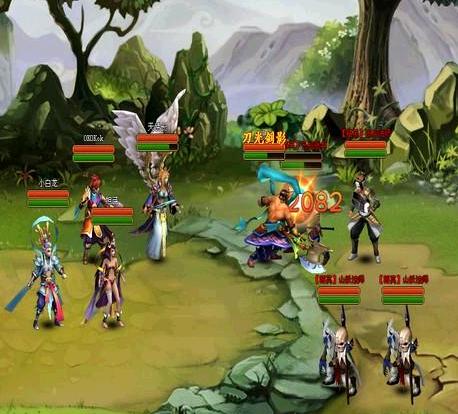
Left-clicking on the target allows for a common attack on the target and a skilled attack on a monster using skills in the shortcut。
Dialogue with npc
Leaves the mouse on the npc, with which you can talk or buy objects by clicking the left button。
Left key menu
Left click on the player header to choose dialogue, grouping, following, observation, etc。
Storage
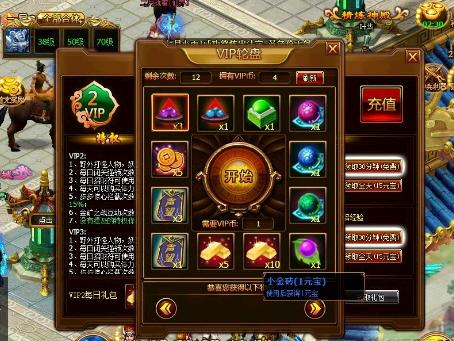
A warehouse manager can be found, and a vip player can open a remote warehouse directly in a backpack, where equipment that is temporarily unserviceable or not easily carried in a personal object column can be deposited。