


As a result of long-term work trips, the internet is a problem, with two aps on a spare phone, becoming my walk-in broadband, which is much better than which sidewalks. This is a requirement for mobile phones to share the current connection with wifi through hot spots, which should be available for both years, as illustrated by:

The installation of a wifi master key, which can be shared with shared wifi, saves traffic costs, which are still a little expensive。
Another problem that needs to be addressed is the automatic opening of hot spots. This can be solved with tasker. First download and install a tasker。
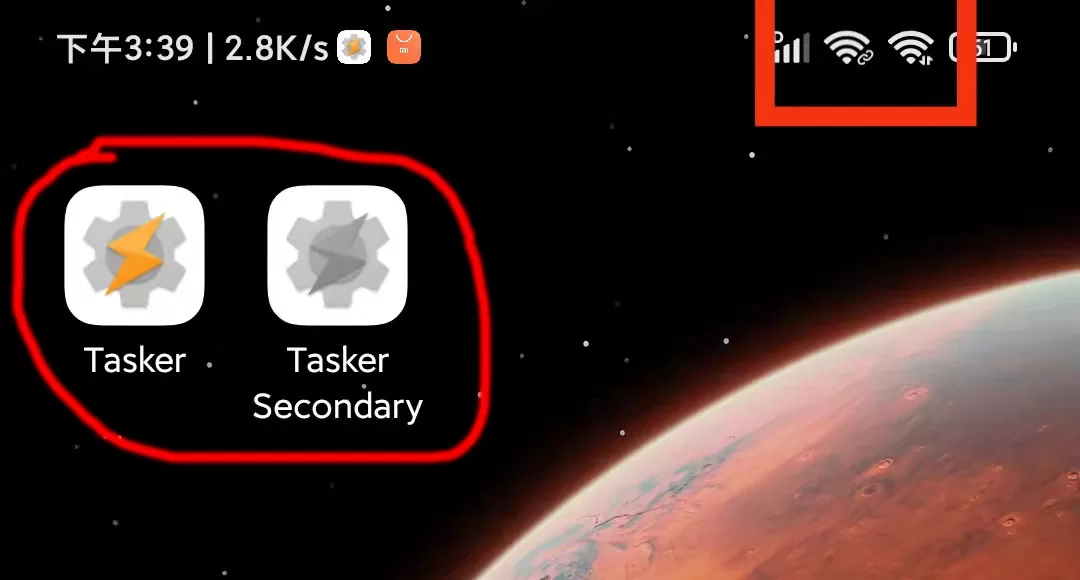
Open the tasker。
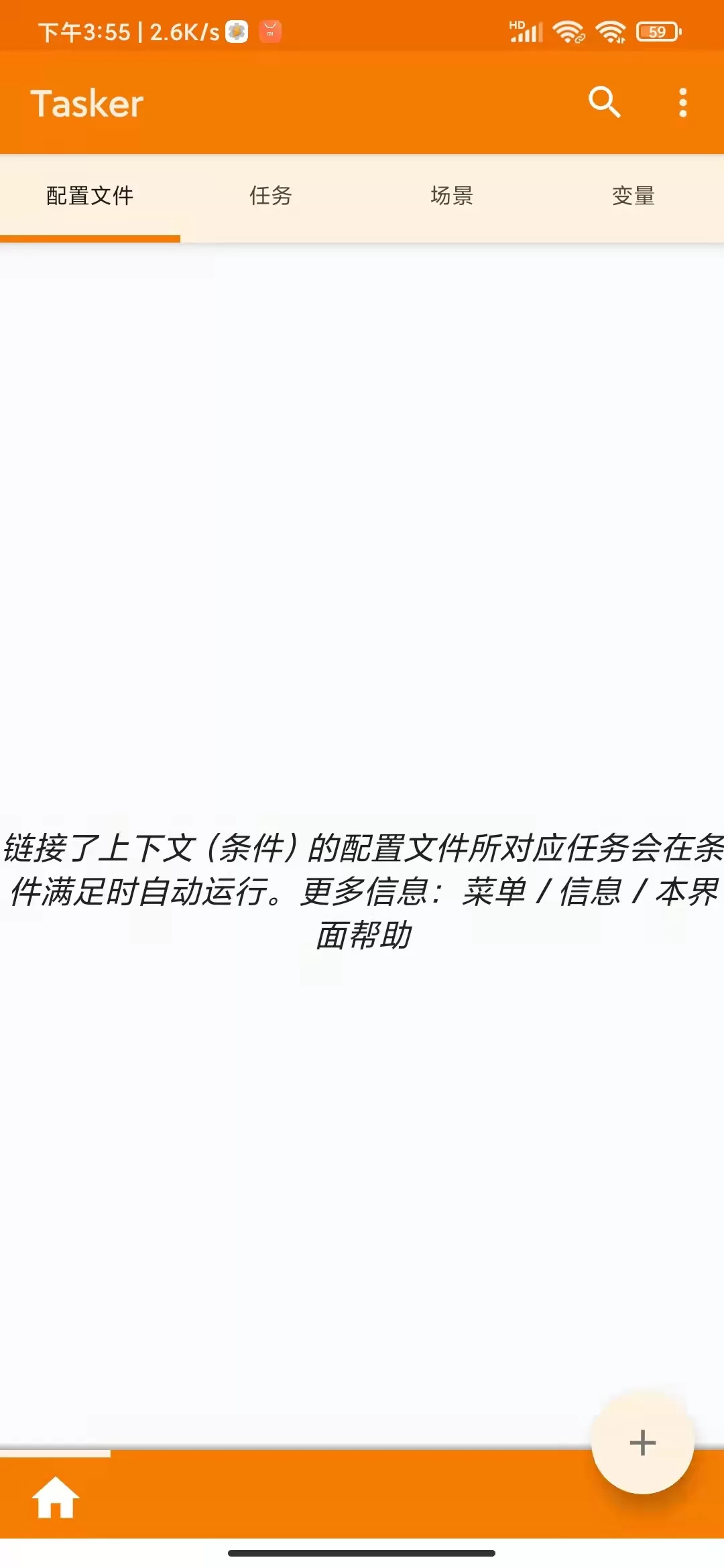
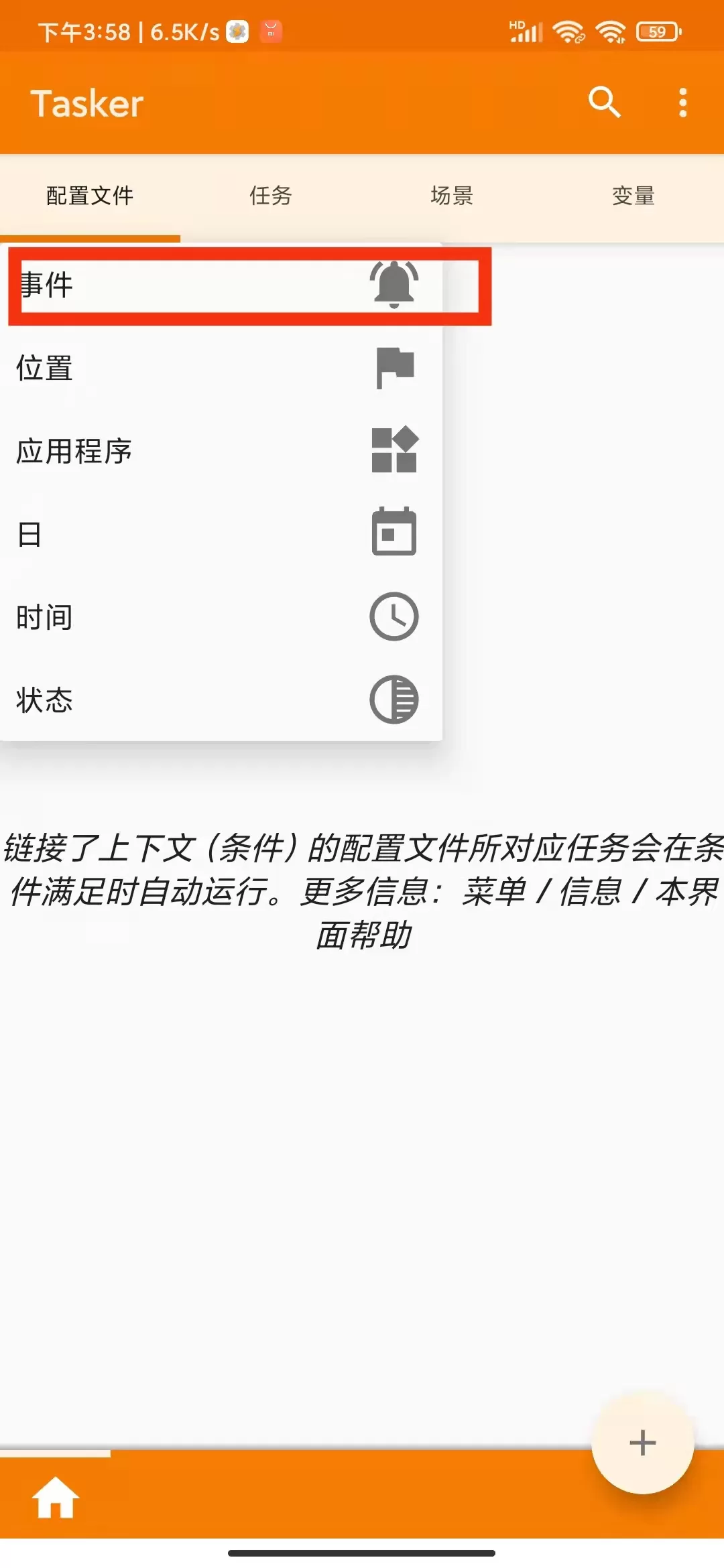
Click on + below to add an event
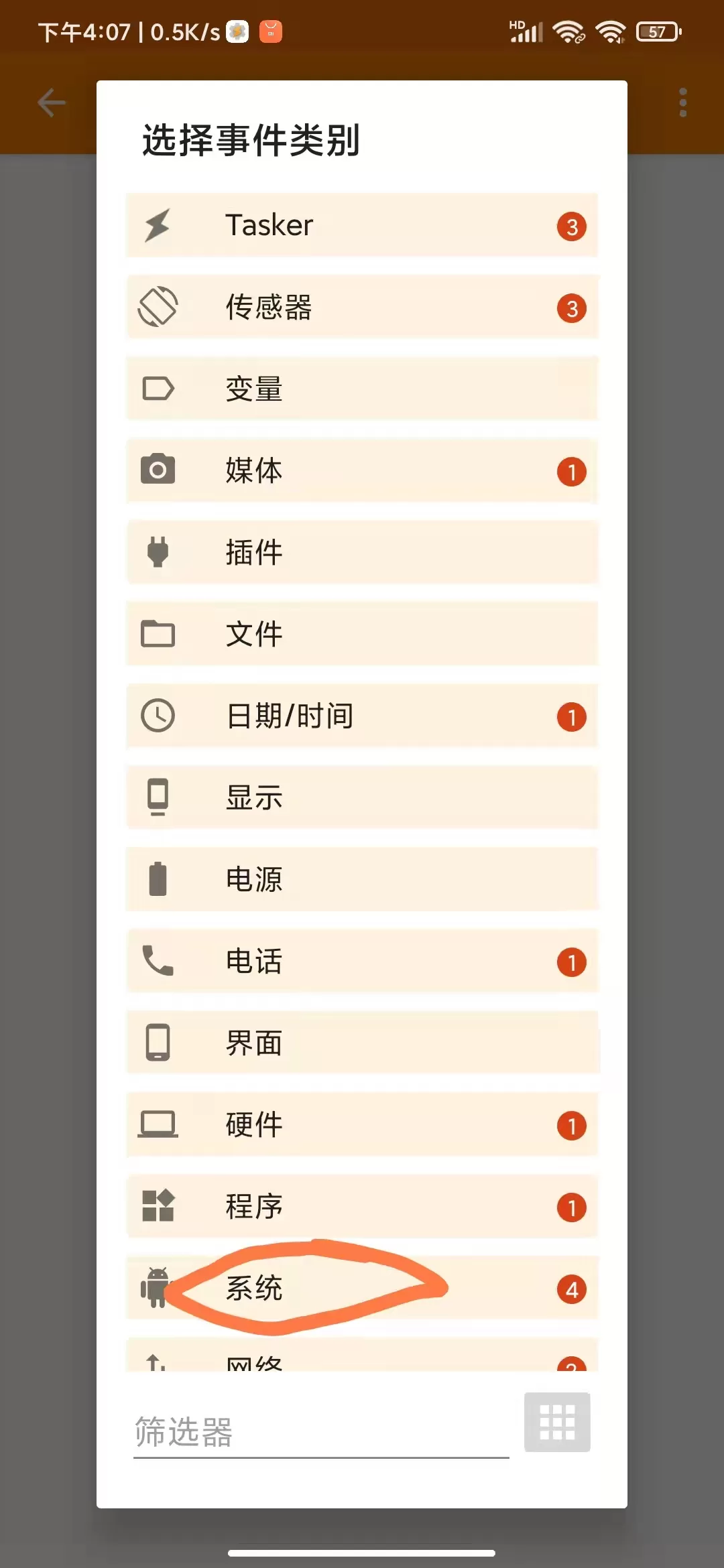
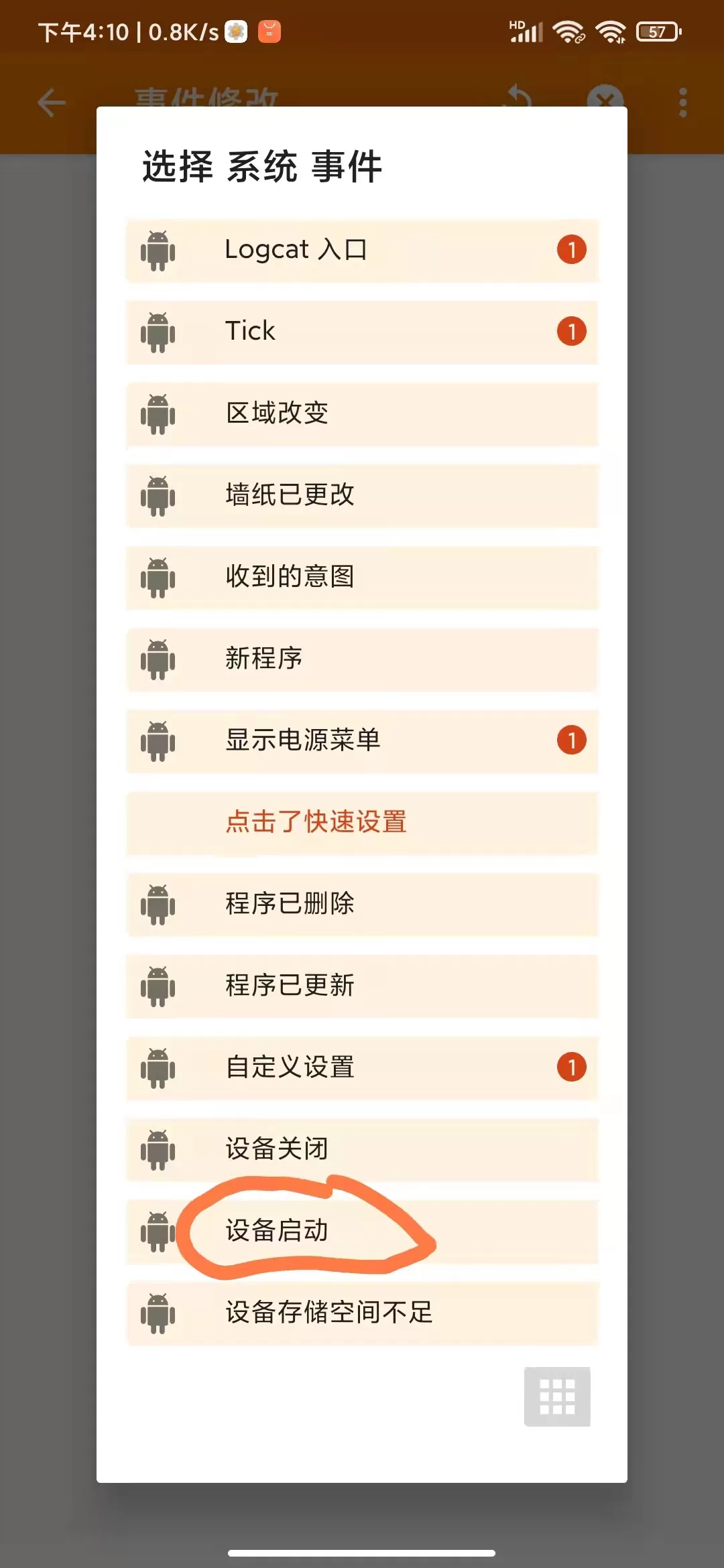
Select system
Next select device start
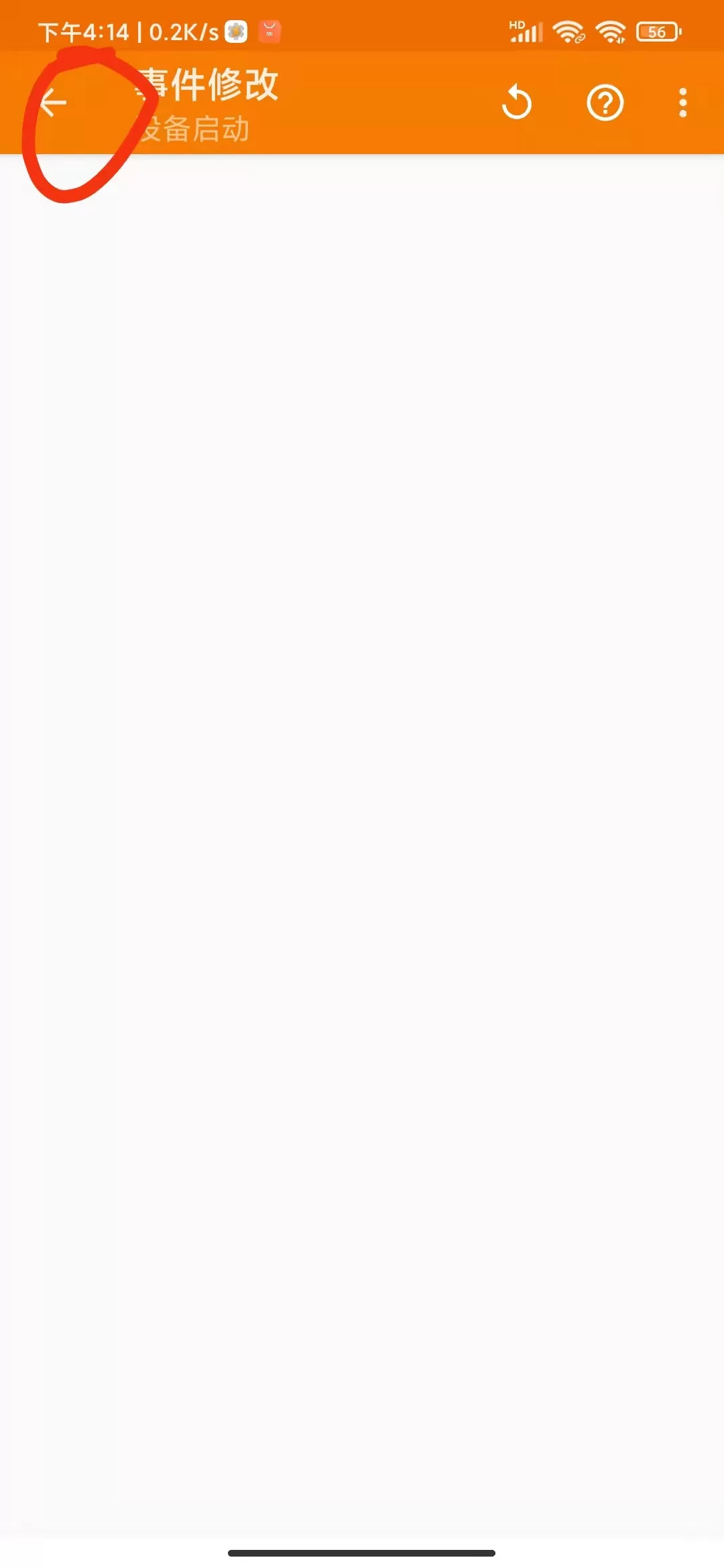
Select the left upper corner arrow after startup
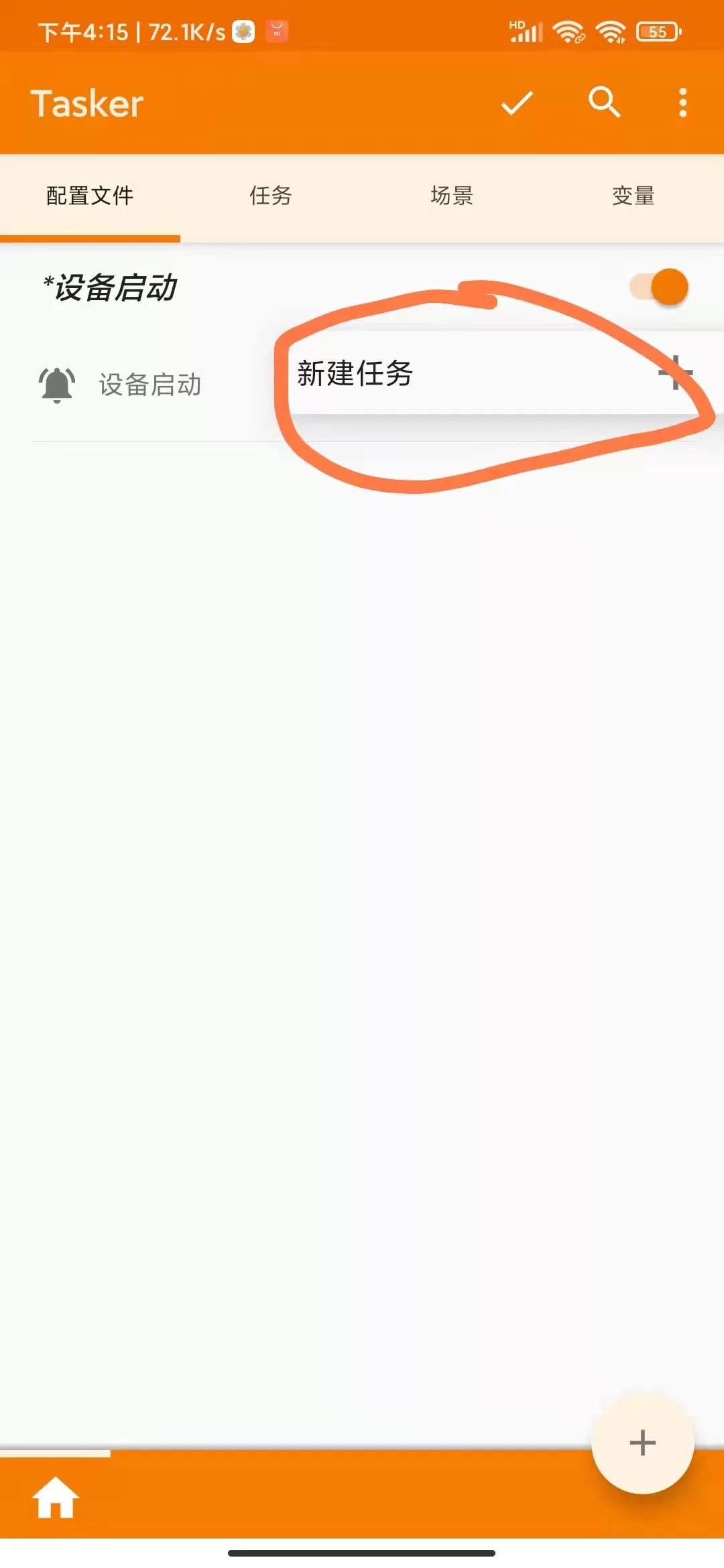
Next click to create a new task
You can do the notes, you can do it. You can do 123456
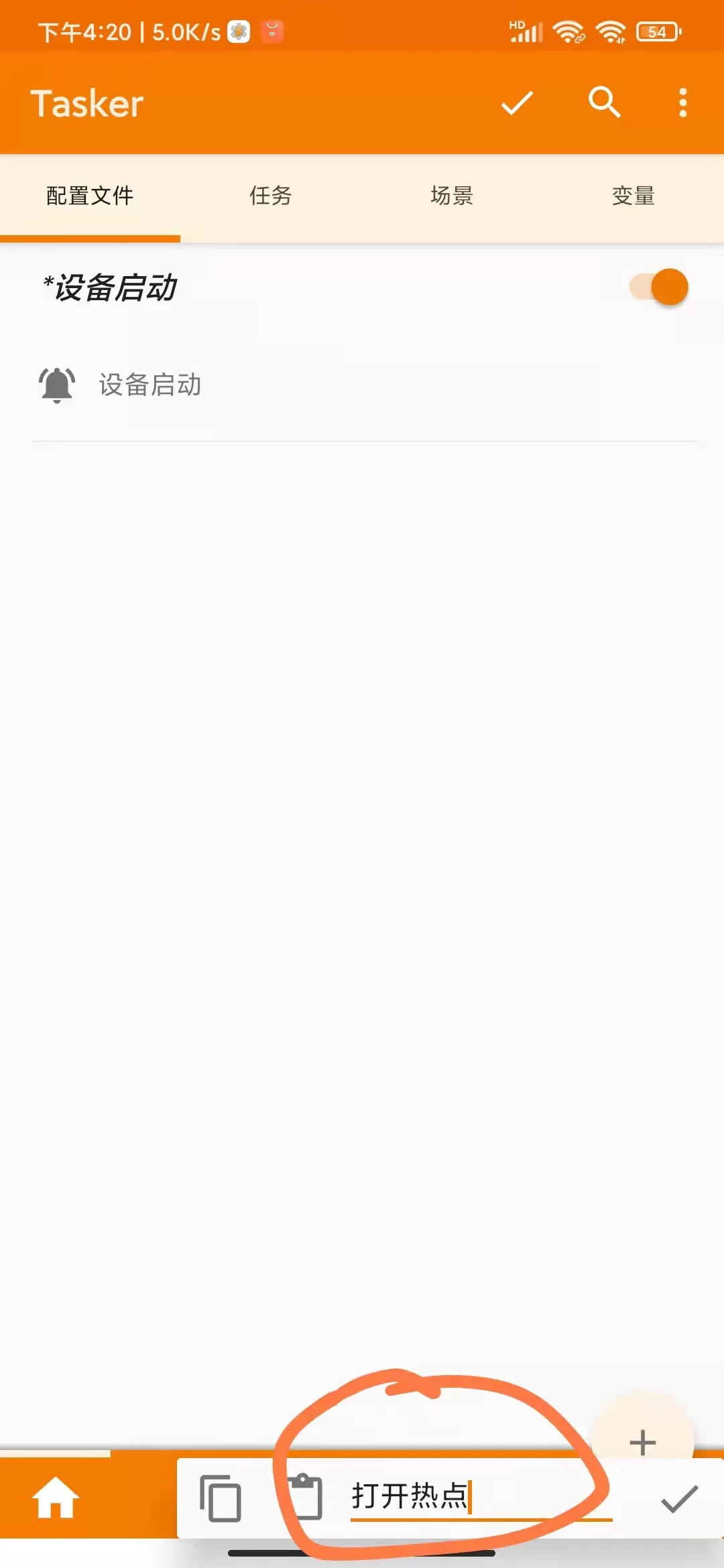
It's over by the clicks next to that。
Jump to another window and click on the bottom + to add the action type, select network
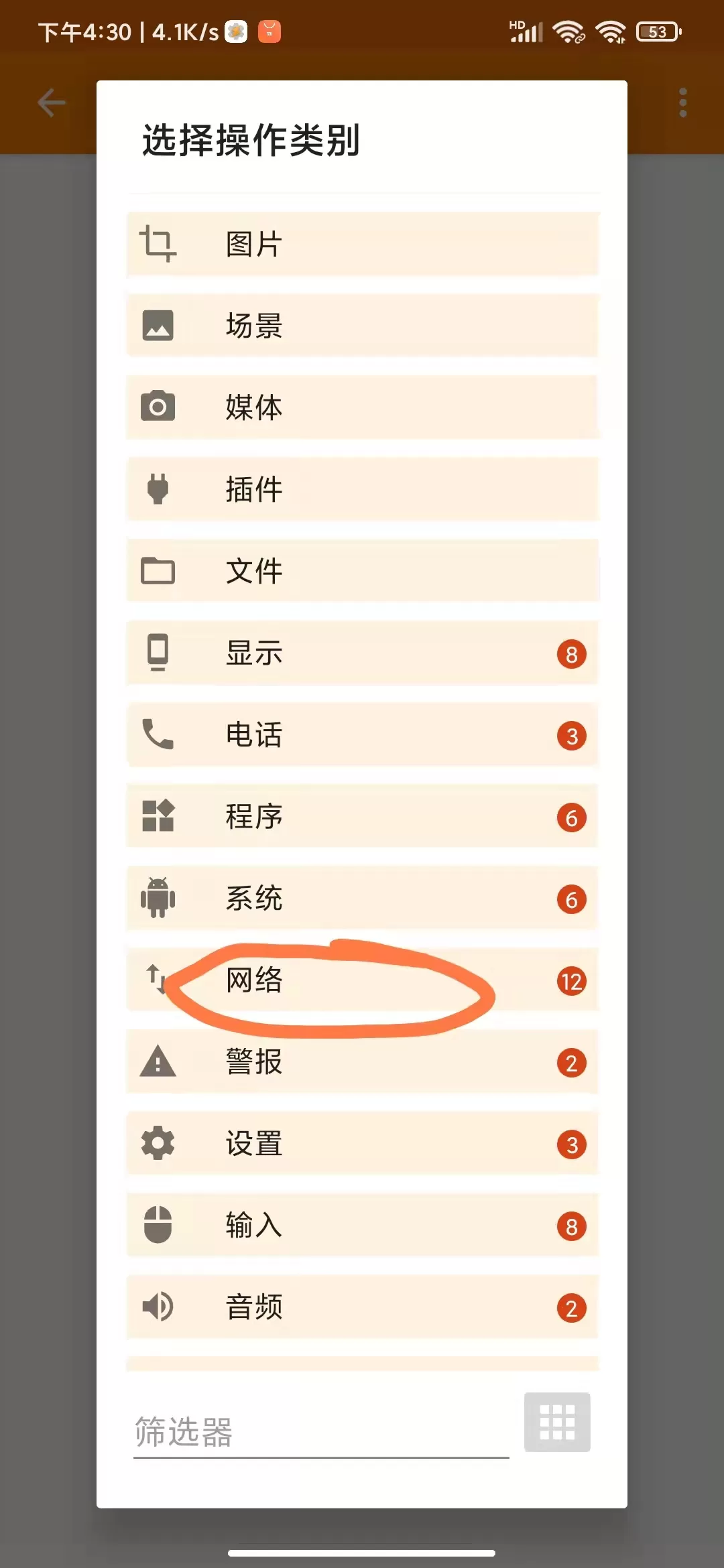
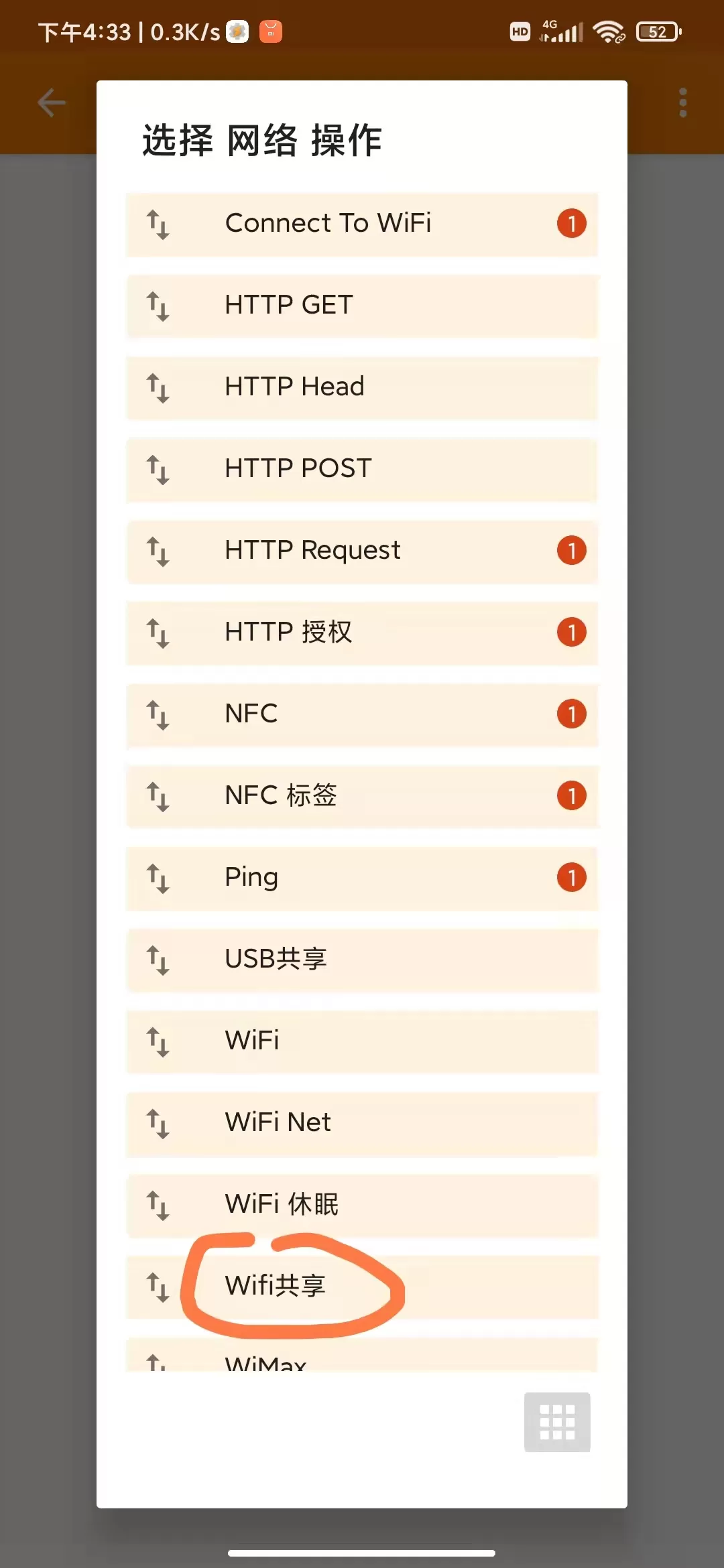
Then choose wifi share
Set as follows:
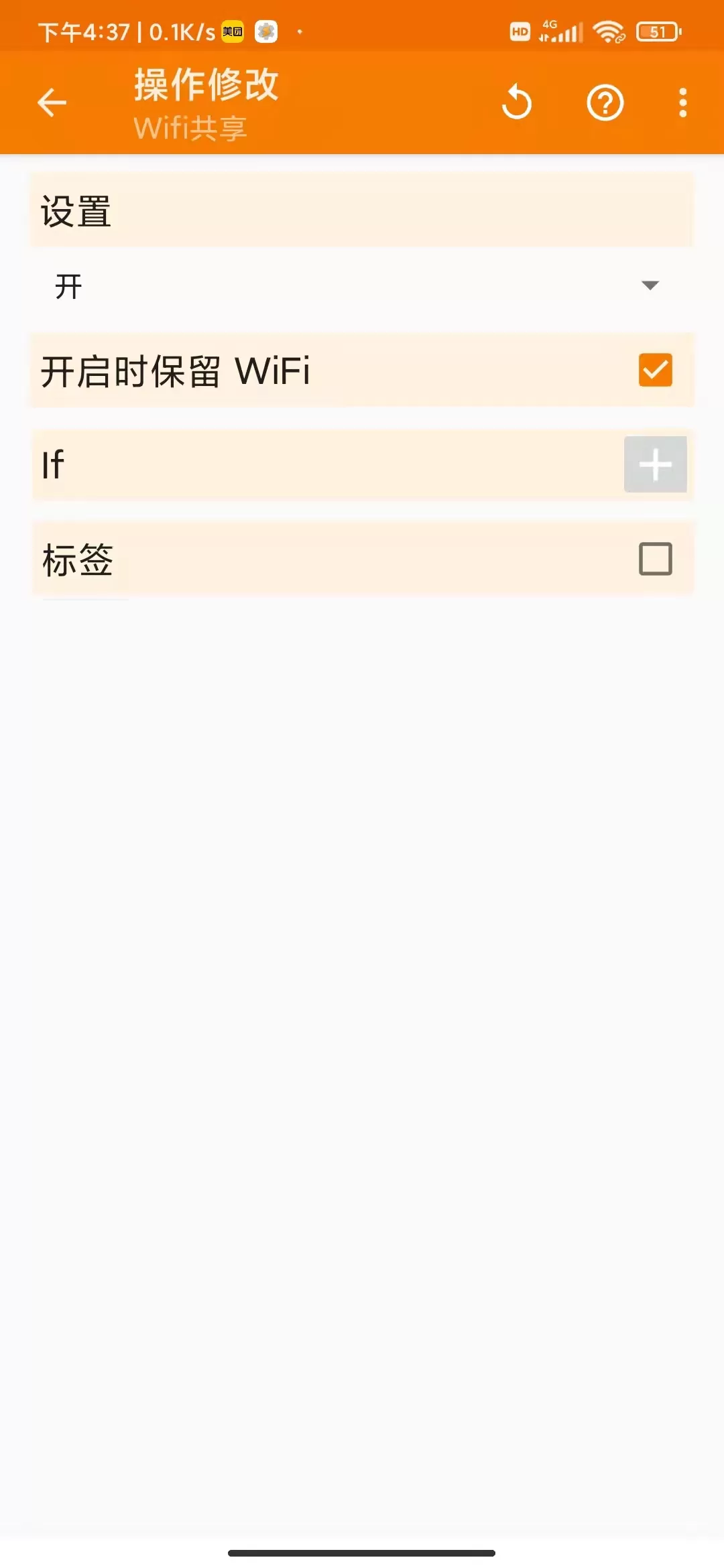
Finish the click, that's it。
Note that the system alert will pop up during the operation, that the system configuration privileges will need to be modified, that permissions will be granted, and that the app will need access for start-up. For the proper functioning of the mobile phone, a task was added to restart the cell phone once a day. If you don't go into detail, it's okay to use a time switch on your cell phone。
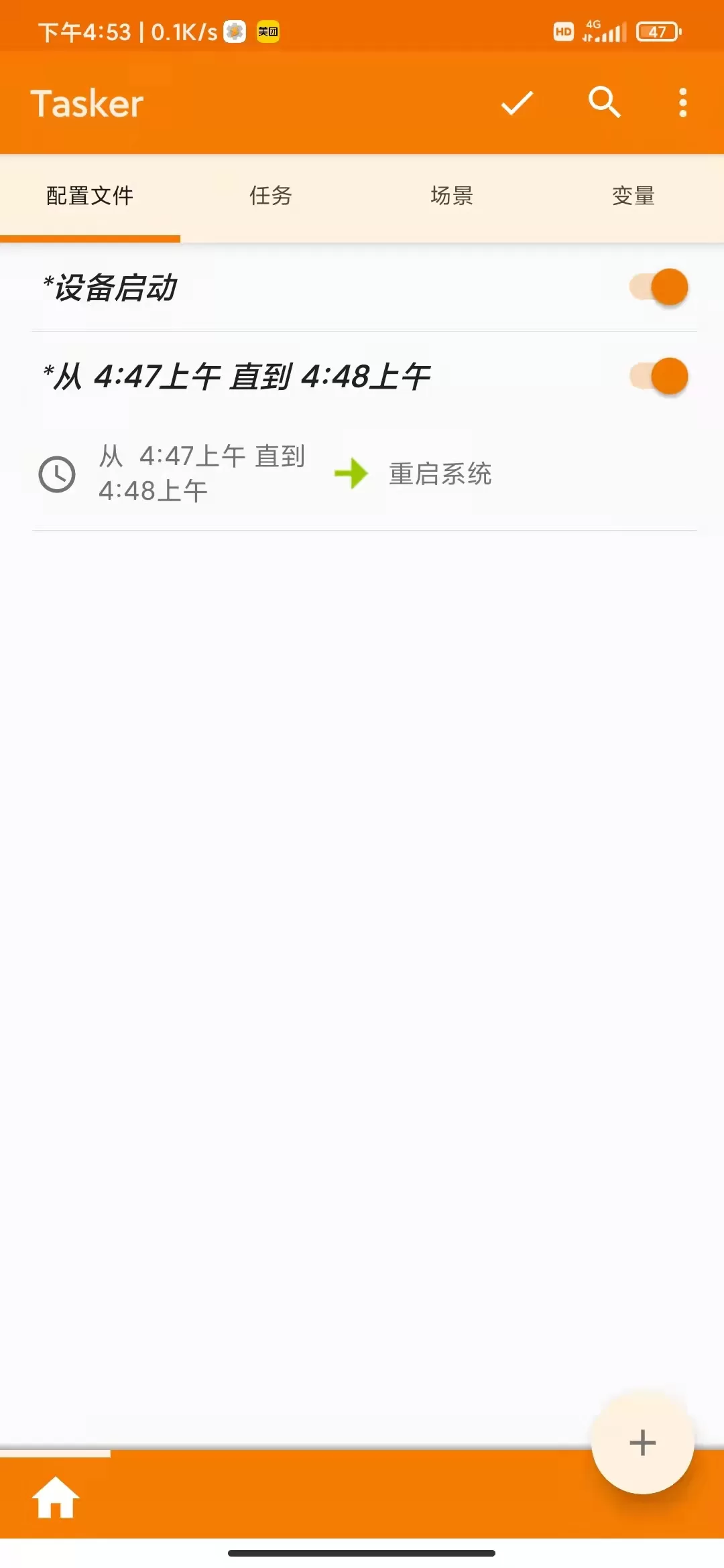
If you don't need a mission one day, just click the switch next to it。


