


Use tutorial for appointments to the lg washing machine
The lg washing machine, as a high-end household electrical product, not only has excellent detergent performance, but also provides users with many practical features, including time reservation. By making an appointment, users can set up washing machines for their own convenience, which is time- and energy-efficient. Details on how to use the lg washing machine's appointment time feature are given below。
Step 1: understanding the washing machine control panel
First, the control panel of the lg washing machine needs to be familiar with. The control panel is usually located on the front or top of the washing machine and is filled with keys and indicators. The appointment time function is usually indicated by a clock icon or text such as " start of delay " 。
Step 2: select the scrubber
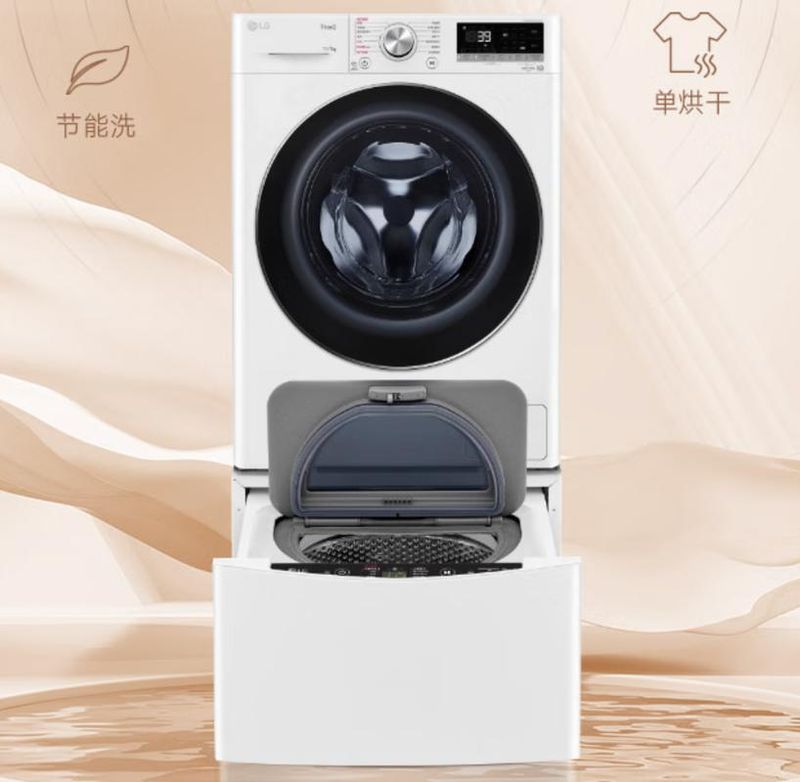
\approve the proper scrubber before using the appointment time feature. Press the " program " or " scrubber " button on the control panel to select the scrubber required by scrolling or touching screens, such as cotton fabrics, mixtures, soft scrubbing, etc。
Step 3: set the scrubber temperature and time
\accords to the selected scrubber, by the control panel's “temperature” and “time” keys, setting the appropriate scrubber temperature and washing time. Ensure that these facilities meet the laundry requirements for clothing。
Step 4: activate appointment time
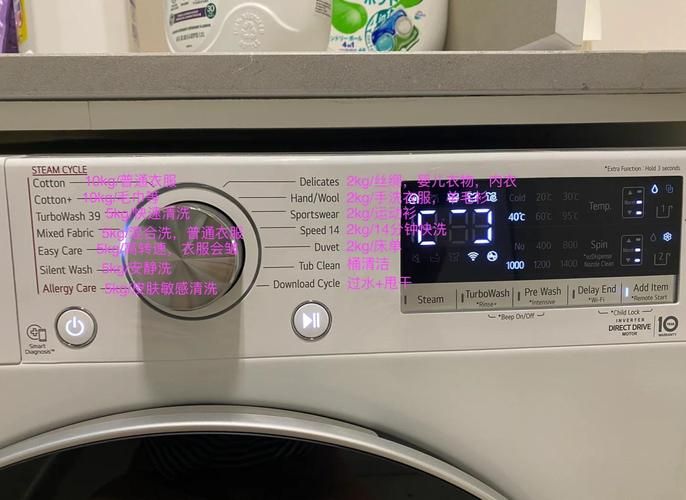
\ when the above settings are completed, press the " appointment " or " start with delay " key on the control panel. At this point, the washing machine will enter the appointment time setting mode, and the current time and time slots are shown on the screen。
Step 5: set an appointment
\ adjusts the appointment time by time setting on the control panel. You can select specific hours and minutes or a preset period by scrolling, e. G., one hour after, two hours after. Ensure that the appointment time is set to suit your needs。
Step six: confirm that the washing machine is set and activated
Check all settings carefully after setting the appointment time. Upon confirmation, press the “start” or “cleaning” button and the washing machine will automatically start washing at the appointed time。
Through the above steps, the lg washing machine's appointment time is easily available. Please note that the appointment time feature is valid only when the washing machine is on standby. If you change the scrubber or other settings after setting an appointment, you need to reactivate the appointment and reset it。
In addition, different types of lg washing machines may differ in operational details and it is suggested to refer to the user manual attached to the washing machine or to contact the lg passenger service for more detailed operational guidance。
It is hoped that this tutorial will help you make better use of the lg washing machine's appointment time, making your laundry experience easier and more comfortable。









