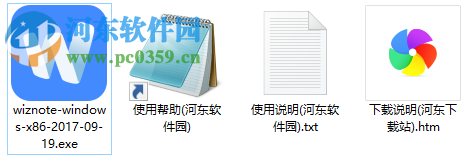
1. This station's east download station provides rapid downloads of the packages you need and, after depressure, quick installation by clicking wiznote-windows-x86-2017-09-19. Exe
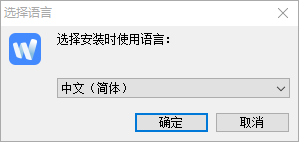
2. The language of the installation can be quickly selected and clicked to determine
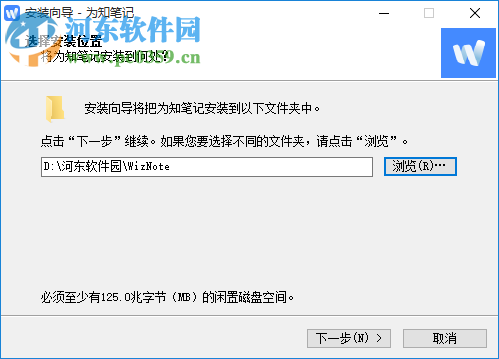
3. A quick selection of the location of the installation, with the default position “c:program files (x86) wiznote”, suggested to be installed on the d-disk and click on the next step
4. Select the components that need to be installed, including the short-track option created, and click on the next step
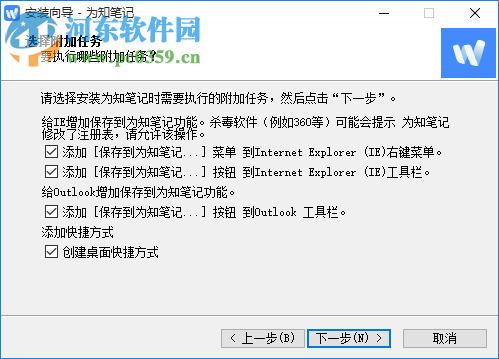
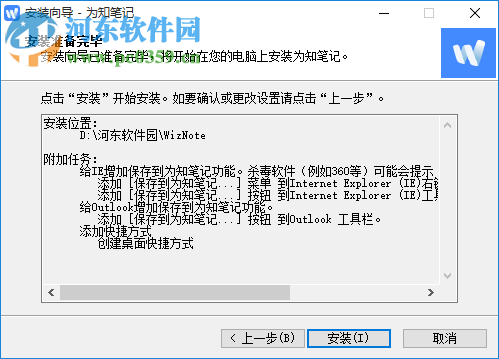
5. Rapid installation and click installation is ready
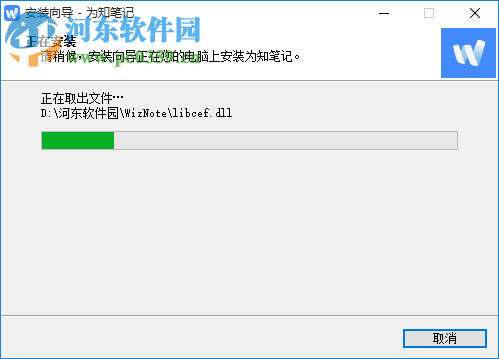
6. Please wait patiently to learn that personal knowledge management is being rapidly installed.
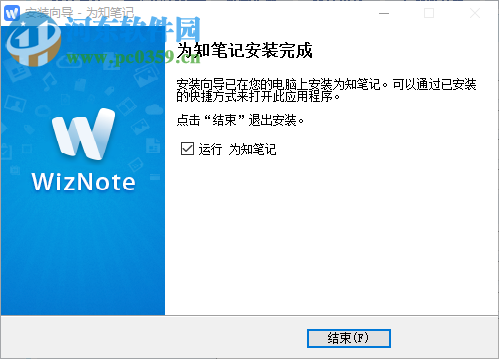
7 the installation wizard can be shut down by clicking after personal knowledge management has been installed
1. Click on the menu shortcut to quickly access the software login interface
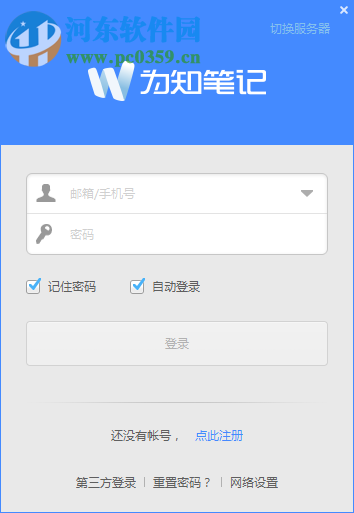
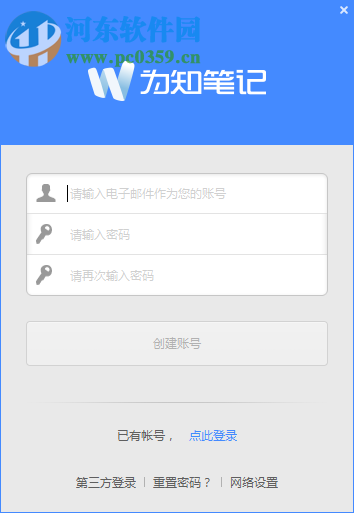
2. Click to register to enter your e-mail, including passwords, etc., and then click to create an account
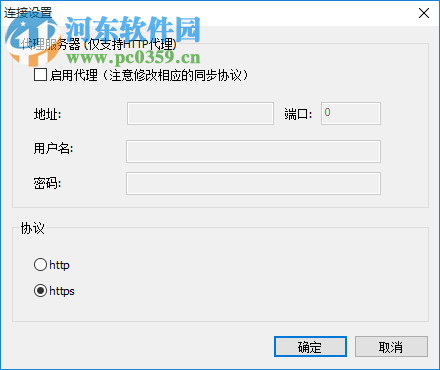
3. Network settings allow for quick configuration of your proxy server, including address, port, user name, password, etc.
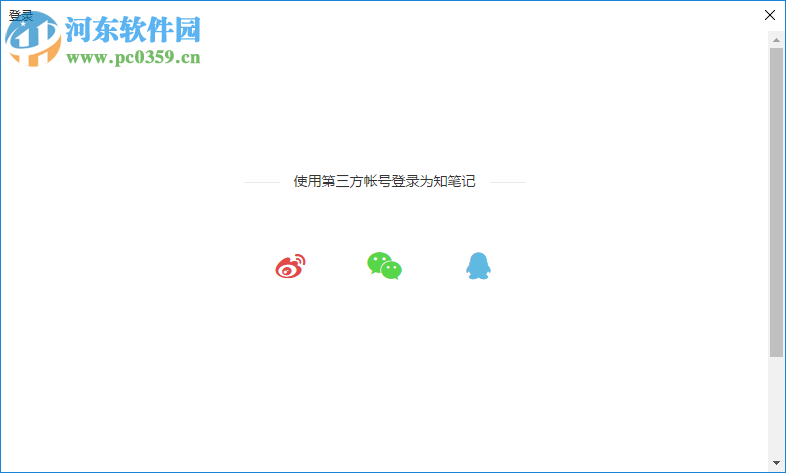
Support the choice of third-party access
Fixing problems that cannot be automatically upgraded
Fix some anomalies in incremental sync
Fix access to downloading and uploading notes abnormalities for boxes
Problems that cannot be edited after writing changes
Anomalous problems that may arise when the notes are downloaded