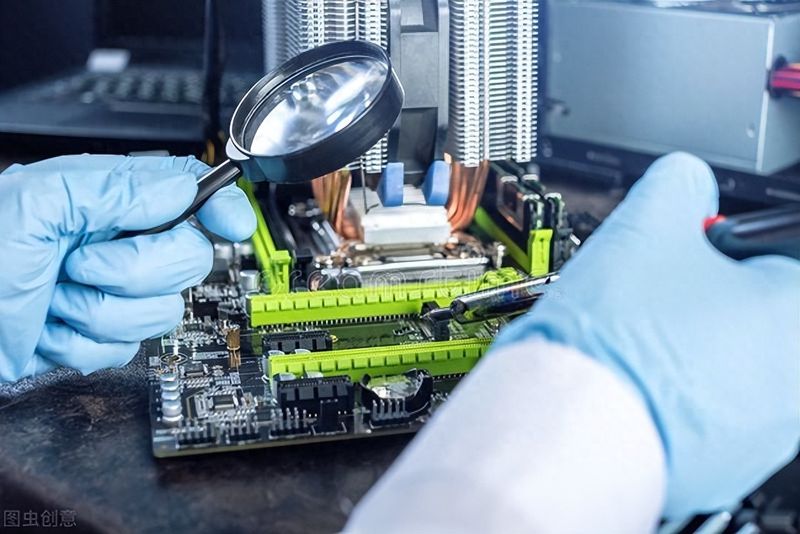
The causes of computer failure are numerous and, in general terms, include several aspects。
Inappropriate operation:
Improper action means improper action such as the wrongful removal of documents or the illegal shutdown. Inappropriate operations usually result in computer programs not running or functioning, repairing such malfunctions as long as the deleted or damaged documents are restored。
Infection:

Infection of the virus usually results in slow computer running, dead machines, failure of the blue screen to activate system system documents, loss or damage, etc., and repairing such malfunctions requires the computer to be poisoned before the destroyed documents can be restored。
Poor power:
Poor power generation is defined as insufficient power supply or low power or non-power supply, and poor power generation usually results in failure to turn on and re-start computers, etc., and repairing such failure usually requires replacement。
Application damage or loss of file:
The damage to the application or the loss of the application file usually result in the application not running properly and the repair of such malfunctions usually requires the unloading of the application and the re-installation of the application will solve the problem。
Software and operating systems, incompatible:
The incompatibility of the application with the operating system would result in the application not functioning properly or the system not functioning properly, and the recovery of such malfunctions would normally require the unloading of incompatible software。
Poor contact with connection or receiver:
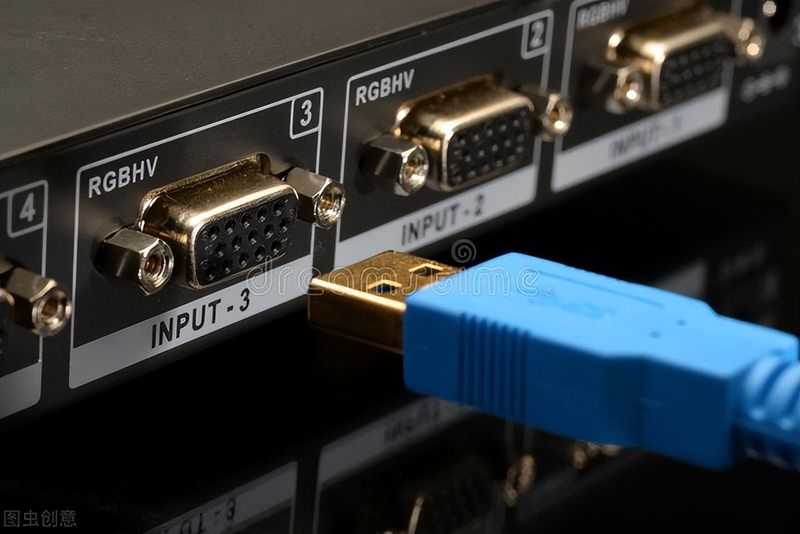
Poor contact with connections or plugs usually results in computers not operating or equipment not working, if the hard disk signal line is not working because of poor contact with the sata interface. It is not possible to activate the system to repair such malfunctions and it is usually sufficient to reconnect or reconnect the plugs。
System configuration error:
System configuration error means that the system cannot function properly because of the system setting options in the modified operating system, and to repair such malfunctions it is usually only necessary to restore the modified system parameters。
Jumper settings error:
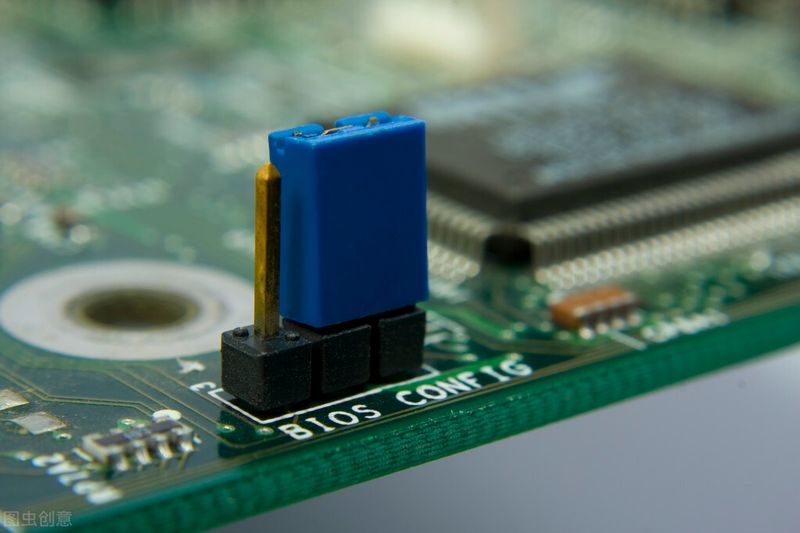
By adjusting the equipment's jump switch, the working parameters of the equipment were changed, thus rendering the equipment unable to function properly, such as the error in setting the jump line of the hard drive in a computer with two hard disks, which resulted in a conflict between two hard drives and the normal start of the computer。
Hardware incompatibility:
Hardware incompatibility means that more than two parts of the computer are not working together, and that non-compatibility generally results in failure of the computer to start, failure repair such as a dead machine or a blue screen, and failure usually requires replacement of components。
Component quality issues:
The failure to operate a computer or to activate a computer, or the failure of a component to work, is usually caused by a problem with the mass of the component, which usually requires replacement of the faulted component。
Electromagnetic wave interference:
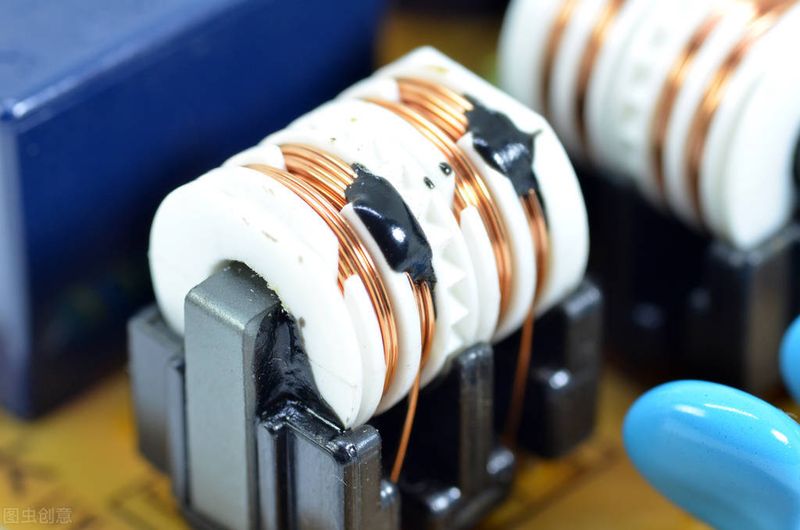
External electromagnetic wave interference usually results in monitors, master panels, modems, etc., which cannot function properly, and when computers in the vicinity of transformers typically cause abnormal monitors or internet failure, repairing such malfunctions usually requires the elimination of electromagnetic wave interference。