


Preparatory work: 2 49 inches, disks, computers
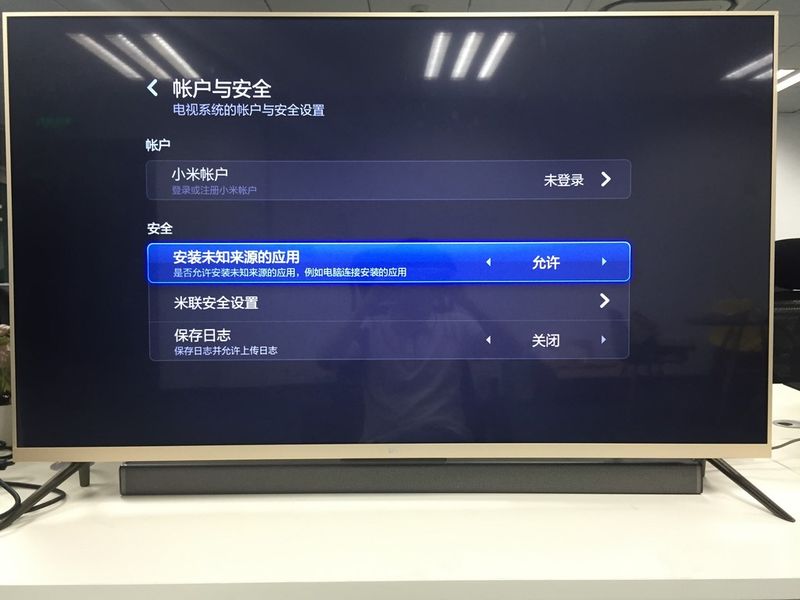
Remarks: first select the "small television settings" on the mitv 2 home page, find the "account and security" option and set the "setting unknown source applications" to allow
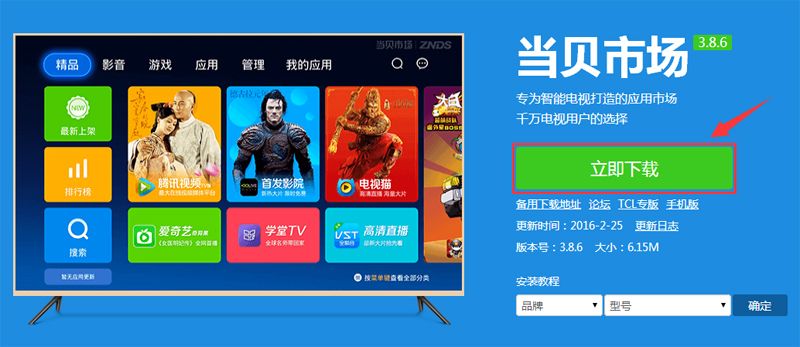
I. Download oxygen desktops from the computer at high speed (click immediate download), donbe market (click instant download) and video quick search (click instant download) and copy to disk; (attached: dangbei website: http://www. Dangbei. Com/)
Carnation alert: mi tv & box streamlines to open commercials, change desktop tutorials: https://www. Znds. Com/tv-1165864-1. HTML
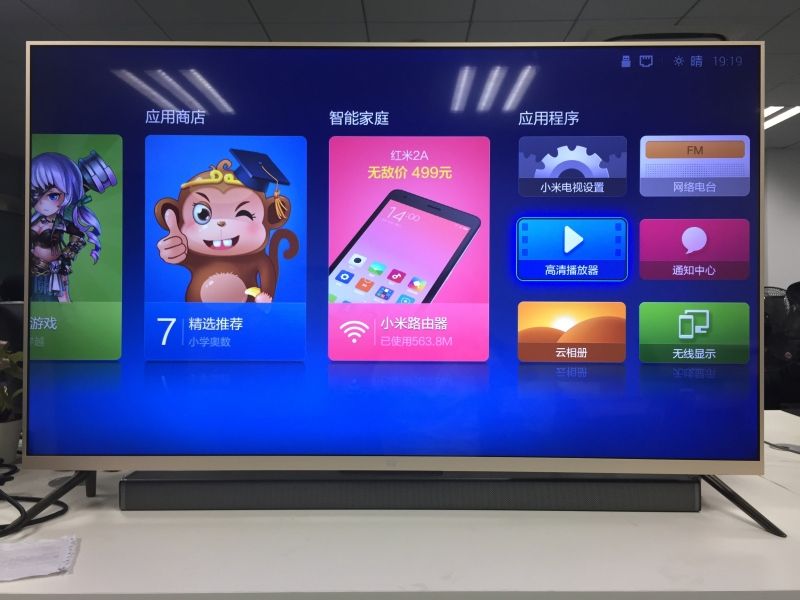
Ii. Plug u-disk onto the usb interface for millet television 2, turn on the millet, select the "high-resolution player" and find the u-disk device
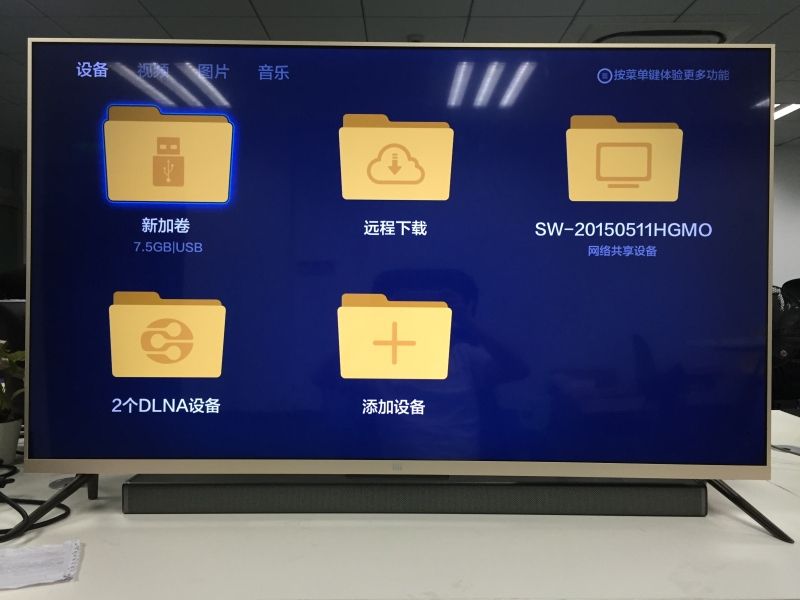
Iii. Find and choose and press ok to install
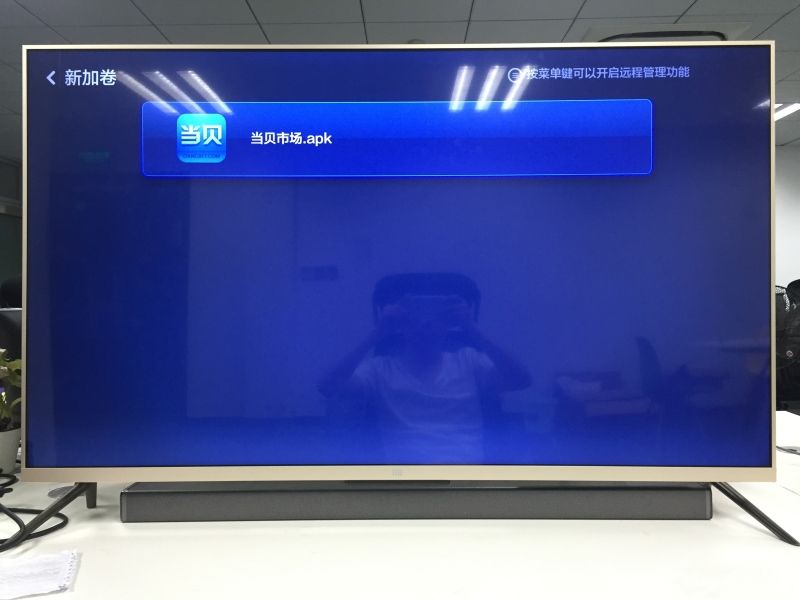
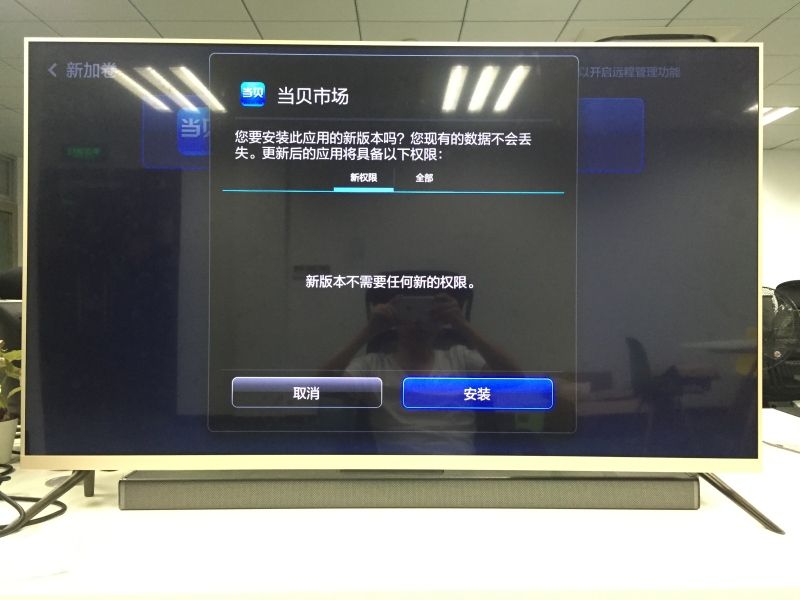
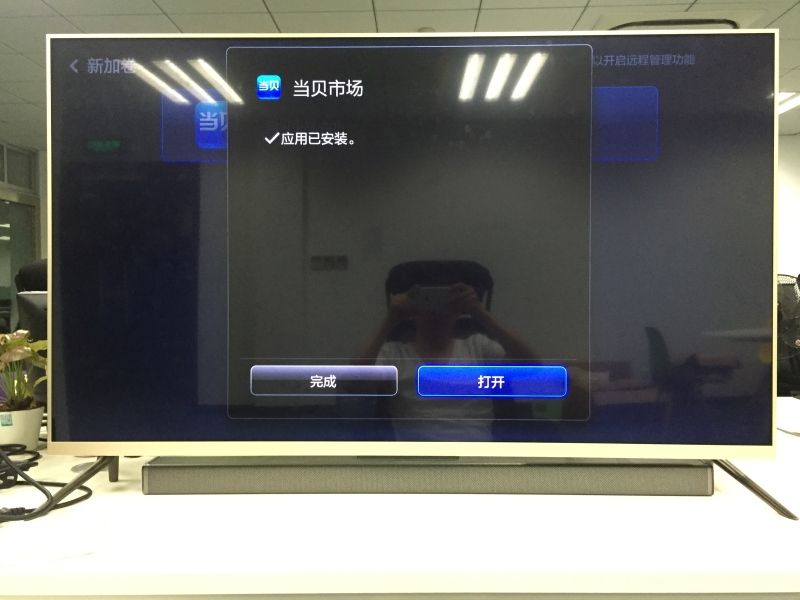
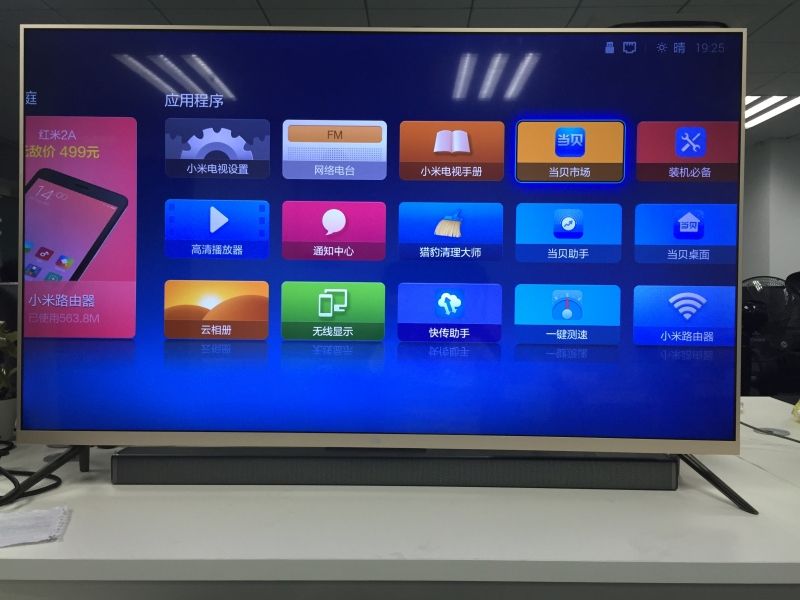
Iv. When the bei market is installed, you can install the applications you need for live third-party broadcasting, on-demanding, games and so on, for example: television, vst, tv cat
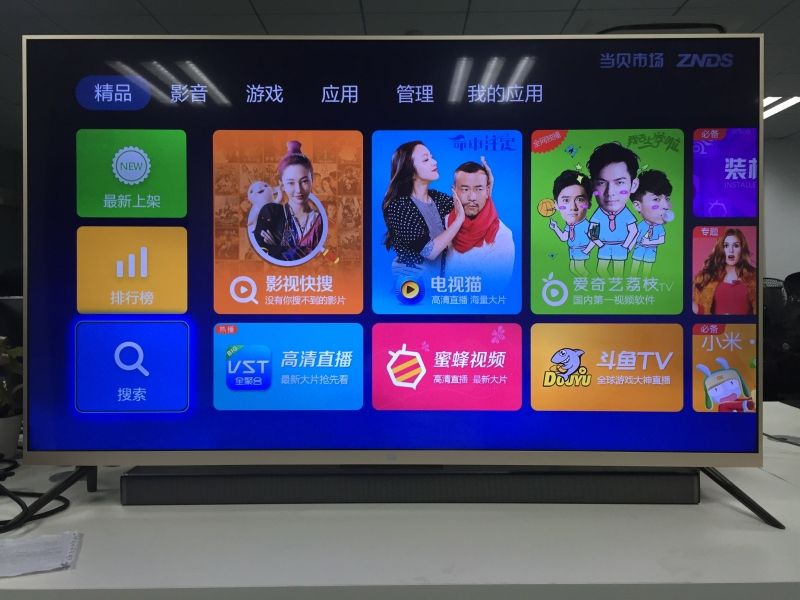
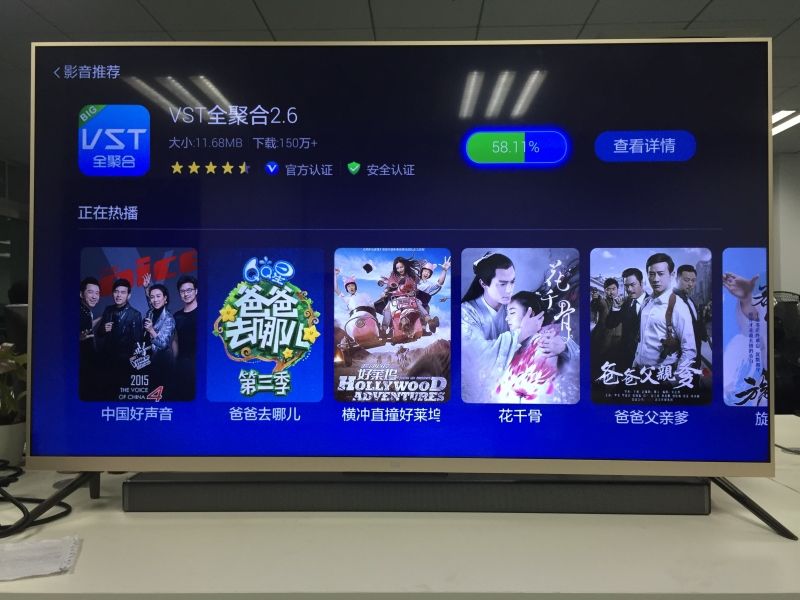
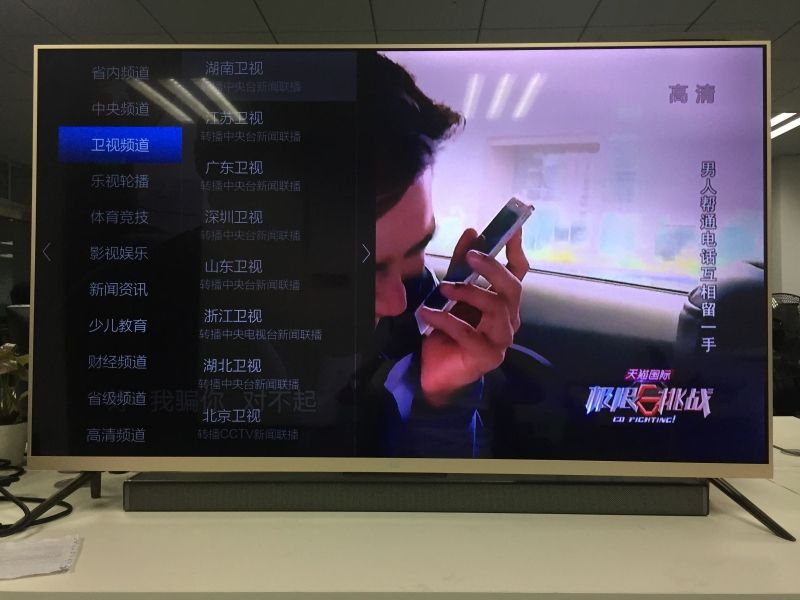
These are the 2-49-inch installation software tutorials for millet television, and welcome to the 11th (611069166) group of danbe market centers
For more smart tv/box installation software, please refer to the donbe market centre at http://www. Znds. Com/jc/
Recommended: smaller, brighter and stronger laser projector x5s, using dinbe laser projector x5s; high-end court line-level alpd laser technology, high-resolution, 2800 cvia super-high-lighting, excellent paint quality; 4+64gb blood-filled mass storage, full new flagship mt9679 chip, fully upgraded performance! Kyoto link: https://jd. Dangbei. Com/x5s. HTML









