


It is believed that friends who regularly re-assembly computer systems, repair equipment for their friends, or re-assembly desktops have stepped on the same pit:
Every time you change the system, you have to recreate itDiskStart diskIf you want to install windows 10, windows 11 and various linux systems, you have to have a few flash drive back and forth, copying large mirrors takes half an hour to start, and the frequent formatting of the disk can easily damage flashes and missing files。
I've tried ultraiso before, old versions of traditional ventoy, all kinds of keysInstallationTools, either to operate cumbersomely and easily fail to write, or to bind the garbage program, with a half-day start-up disk that does not recognize the old master plate. Until the open-source, free-of-charge tool of iventoy was dug deep, all the installed problems were completely solved, and today, without any commercials, the dry stuff was simply deciphered, and the principles, usages and techniques of concealment of the device were explained once and for all。
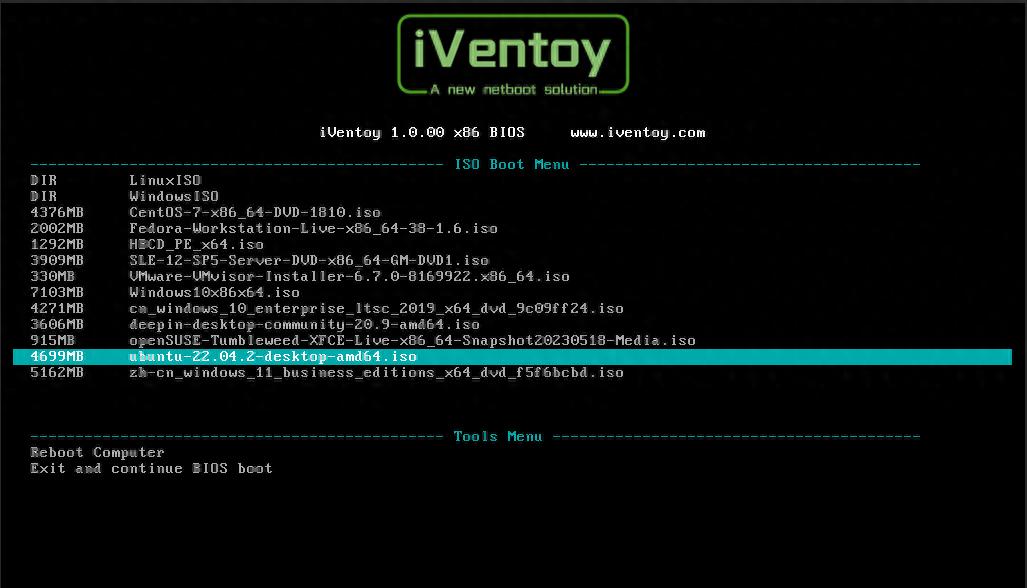
I. What's iventoy? What's the difference with a normal starter
A lot of people have heard of ventoy, iventoy, an iterative enhancement of ventoy, with no charge for the entire open source, no back-stage binding, no changes to the bottom file of the system, and a core logic that subverts traditional installed ideas:
(a) traditional start-up disk: format the drive to write the lead program to import a single system mirror, the drive is occupied and no more daily files can be stored
Iventoy: only one guided partition will be deployed to the disk, and then a copy of the iso, img, wim and various system mirrors will be posted directly into the disk, without double formatting, without double making the start-up disk, with a flash drive capable of stacking more than a dozen different system mirrors and selecting which ones to start with。
The most relevant point is that the remaining disk space, once deployed, is fully functional, allowing for the installation of a system disk and the daily storage of documents, software, information, which are not in conflict with each other, and no longer has to be set aside for an idle disk to start it。
Ii. Why do ordinary people and transporters use iventoy? 4 hard core advantages
1. Full-format mirrors with 99 per cent compatibility with computer equipment
Whether it's the windows original system mirror, the pe maintenance system, ubuntu, centos, deepin's national linux, or server-specific systems, or old xp mirrors, it's a standard iso file that can be identified by throwing them directly into the disk, without conversion format and without additional pressure relief. It is also compatible with the old legacy tradition of bioos, the new uefi new masterboard, the laptop, the desktop, and the manual, which can be guided in a normal way, without the awkwardness of the new computer's failure to recognize the starter。
2. One deployment for life, saves production time
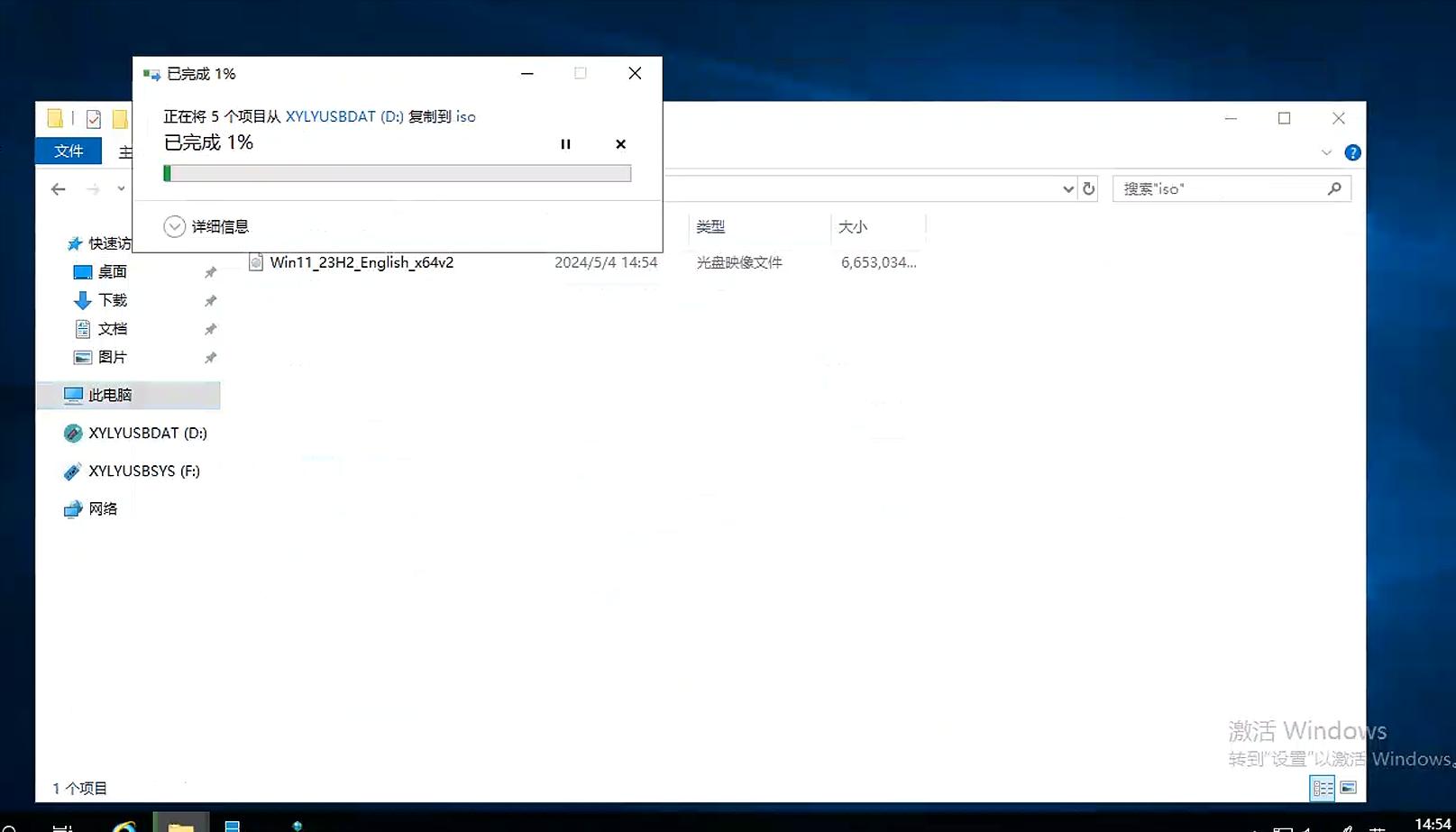
After the first iventoy guide is installed on the disk, it is simple to add, delete, and replace the mirror of the system as simple as to manage a normal folder. It is sufficient to copy paste and delete files, without opening the software for rewriting. Often helping colleagues, neighbours and friends with computers, store a common set of mirrors on disks, installed whenever and wherever needed, and double efficiency。
3. Protection of flash life without damage to disk
Frequent formatting of disks is the main reason for reducing the useful life of the disks, iventoy only divides the very small guidance compartments at the time of initial deployment, and all subsequent operations are ordinary document reading and writing, do not overwhelm the disk master chip, the long-term use of the disk failure rate is significantly reduced, and the large volume of disks is no longer a one-time starter。
4. Pure and unmistakable software to untie hooligans
Many of the key-loading tools on the market are embedded in the browser home page, bullet window software, backstage processes, and even original mirrors are modified twice. The iventoy is only responsible for setting up the start-up channel without modifying the mirror of the system that you download. You download from the official network what is a pure version of the system, which is the original version of the computer, which is fully secure and suitable for users who focus on the purity of the computer。
Iii. Little white and zero error exercise steps
Clean and clean, with no complex setup for the whole trip
1. Preparation for idle disks (recommendation 16g or more, with greater storage capacity)Multiple systemsThe first deployment will empty the data
Download the iventoy open source compression package to operate the start-up program for the corresponding system version after depression
3. Select your own disk in the software (must check clearly and do not miss the local hard drive) and click on the installation
4. Waiting for the deployment to be completed in a dozen seconds, opening the drive will see the newly created partition folders, and the various system iso images downloaded in advance will be posted directly
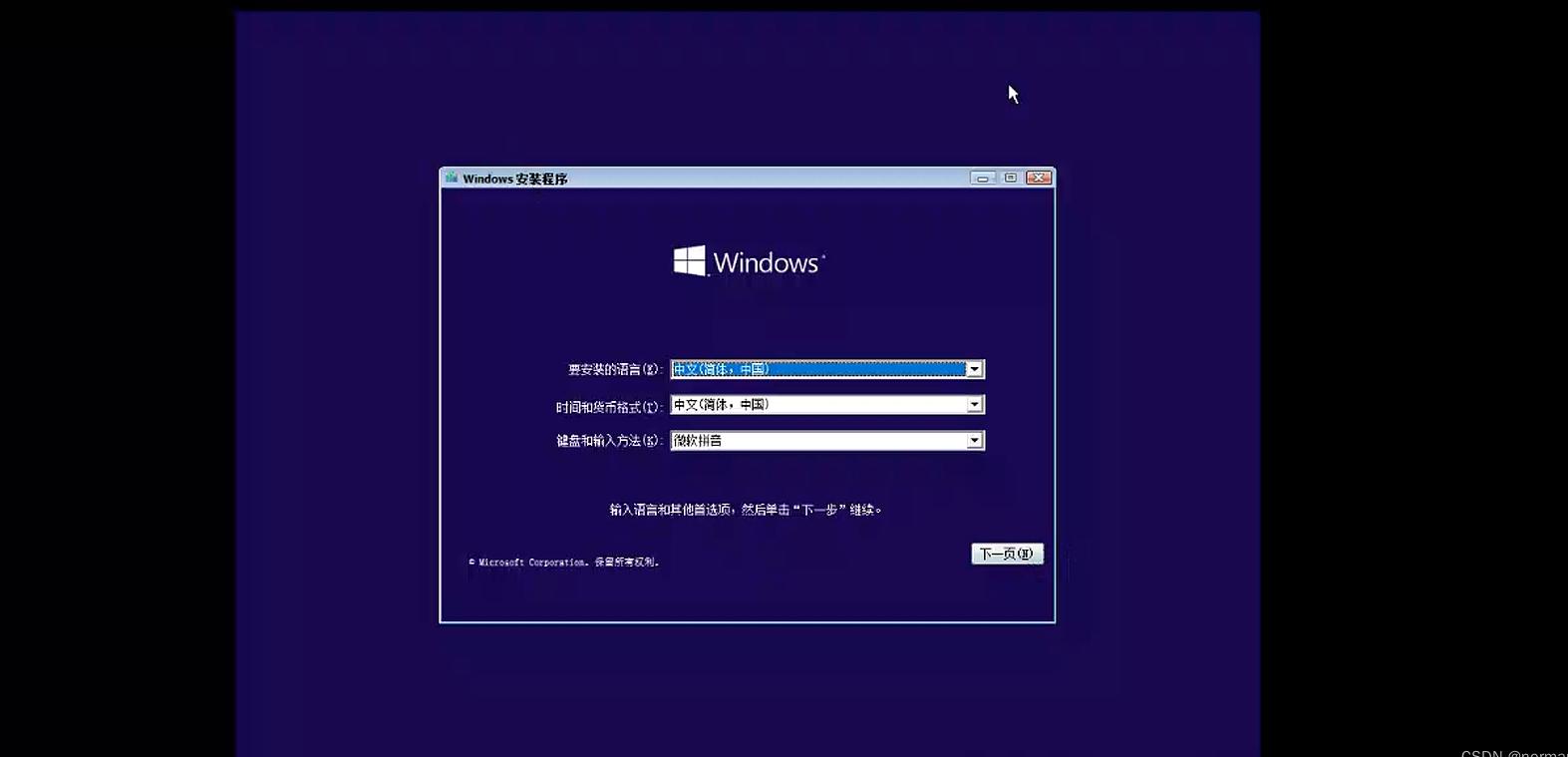
Re-launching computers that need to be installed, the shortcuts pull out the start-up menu and select the ventoy guide to see all stored system mirrors and access the installation interface by clicking。
Iv. Details of the three pits (focus dry goods) where newcomers can easily step on
1. Do not set a chinese name for mirror folders: the name of the system mirror file is named as much as possible in english and digital terms, and the chinese title is prone to lead to identification failure, resulting in no mirrors being found
2. Gpt partitions are preferred for large-capacity disks: large-capacity disks of more than 4ts, and the configuration is used to tick the gpt partition mode and adjust to the new panel; the normal udp default is sufficient
3. Do not compress, depress, iso mirrors: the original mirror file must be placed on the disk, the system file after the depression cannot be identified by iventoy, and many small white steps have failed repeatedly。
V. Assessment of applicable populations, whether you need this tool or not
Regular reloading of computer systems, computer lovers, offline computer maintenance practitioners
Multiple computers in hand. We need to switch to windows, linux multisystem tests
I don't want to waste a single drive for start-up. I want a drive for both storage and loading
Seek a clean-up environment that excludes bundled software and modifications to installed tools
Finally
The previous days were really unnecessary in order to get the system back and forth, and iventoy, by virtue of its pure and very simple nature, became a recognized tool for loading machines。









