


UcdProduction method [p]Tutorial♪ i'm sorry ♪
A lot of computers don't know how to make a flash drive, but it's not so hard to make a flash drive, and there's a lot of tools to complete the flash drive directly by “dumbled”, and today you're going to be taught how to make a flash drive with a more popular old peach flash drive。
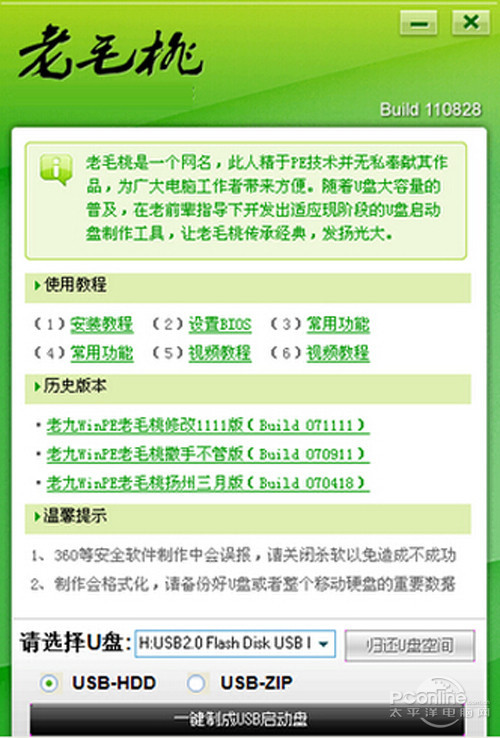
Step 1, on how to create a flash drive, starts with downloading and installing the latest old peach flash drive from the internet and then opens the main program:
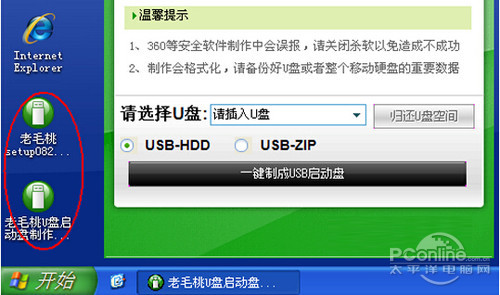
Step 2 and then insert a flash drive, so that you can keep your information somewhere else before making the startup disk, in case it is lost and not recovered。
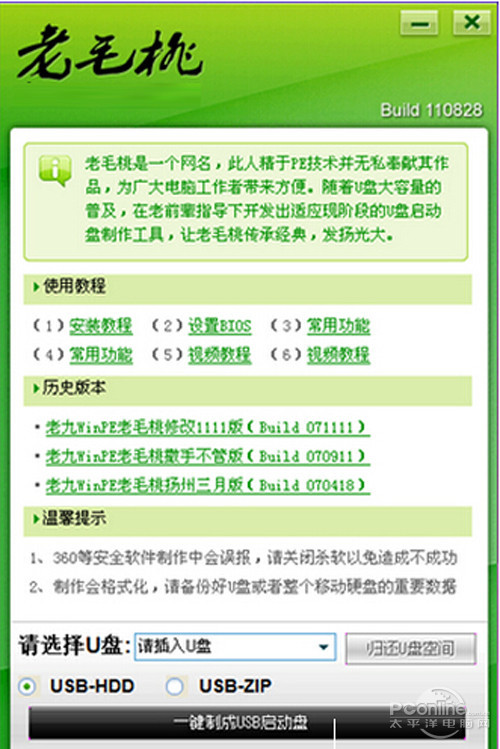
Step 3, insert the correct disk, automatically detect the disk, and select the following to create the activated disk:
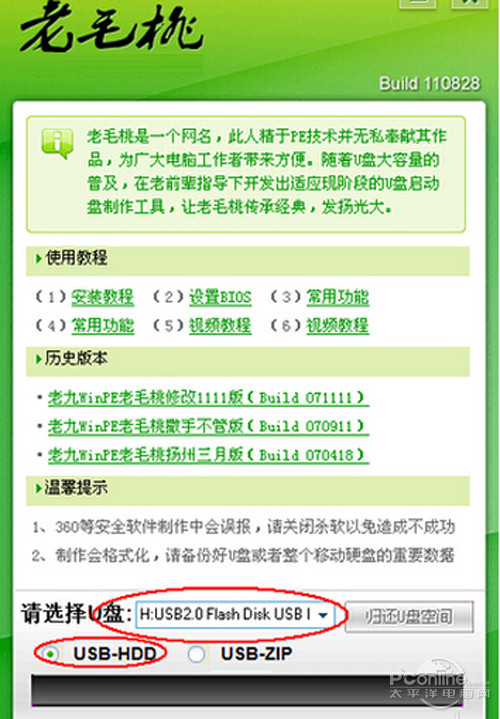
Step 4, start mode, with default usb-hd, and then click the " one key to usb starter " button below, as shown above;
Step 5, then click the yes button in the popup warning confirmation dialogue box to continue:
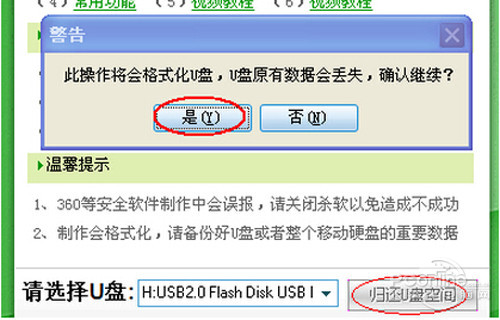
Step 6, followed by the main interface, shows the words “in the process of writing the start-up file” below, at which point the disk cannot be touched or removed:
Step 7, the production process is simple, without any other operation, and a successful reminder dialogue box will be available later:
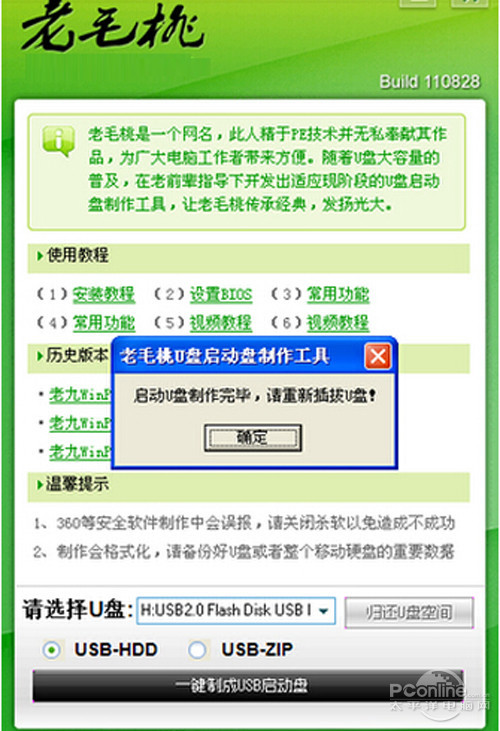
Step 8, remove the disk by hint and reinsert it。
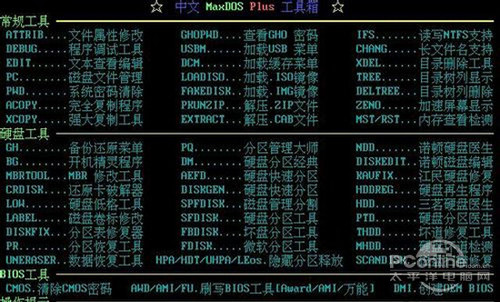
Step 9, after which this drive can be used to activate the computer. This tool has a powerful system maintenance tool for the trophies:
Step 10, the integrated shell operation orders are also extremely rich:
This is the specific operation of how to create a flash drive, and you are advised to insert the disk into a desktop back interface









